Sunrise to sunset
Enter your location once. WinLux calculates local sunrise and sunset times and changes the Windows theme as the day changes.
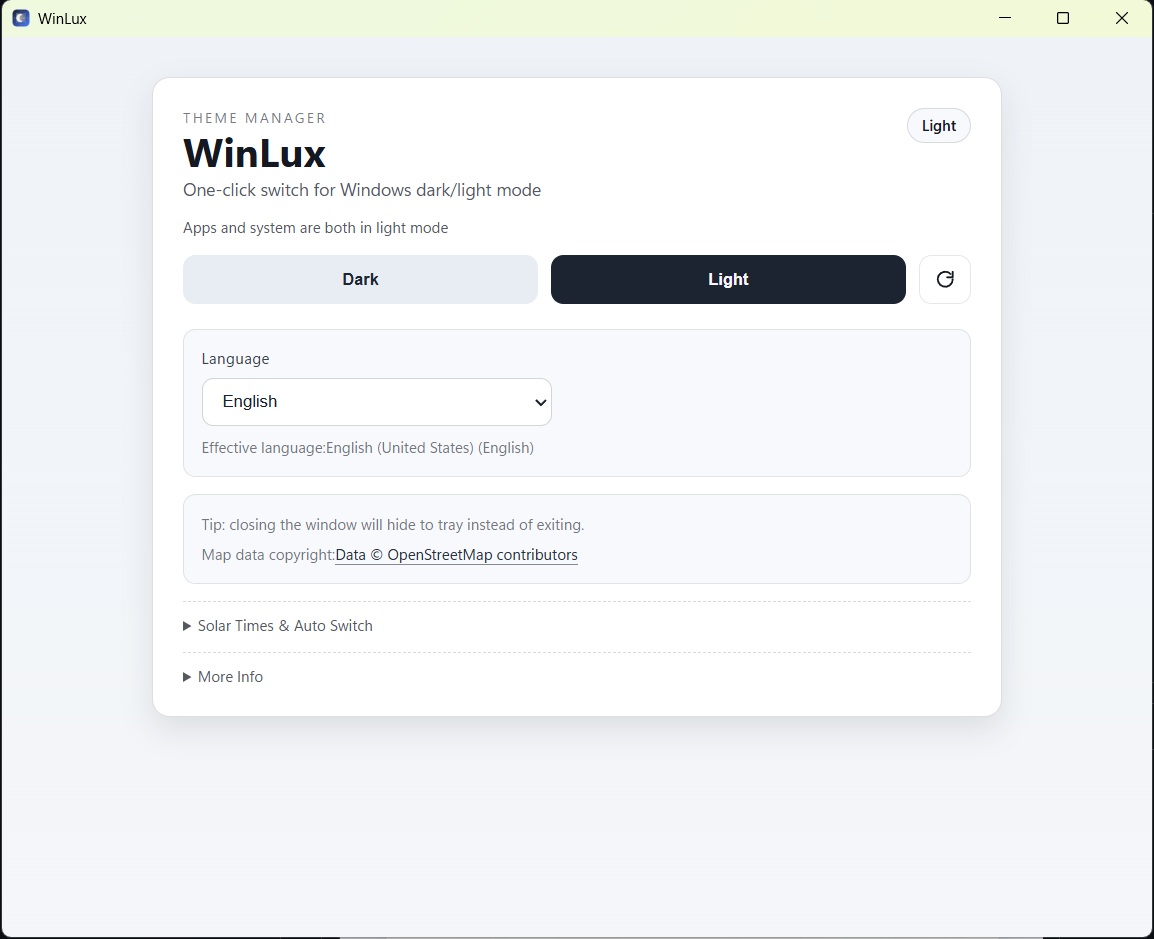
WinLux quietly switches Windows between light and dark mode at sunrise and sunset, tailored to your location. Set it once, and let the day flow.
Everything you need to keep your desktop comfortable, without another complicated app to manage.
Enter your location once. WinLux calculates local sunrise and sunset times and changes the Windows theme as the day changes.
Need a different look right now? Instantly switch both Windows system and application themes between light and dark.
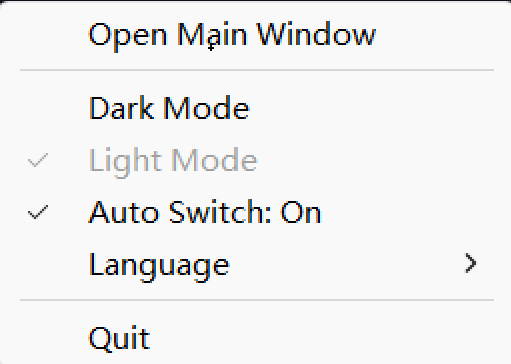
Live in the system tray, open the main window only when needed, and access quick controls without interrupting your work.
A focused Windows companion with clear settings and quick access from your tray. Powered by Tauri 2 and Rust.
Get the Windows installer from GitHub Releases or use WinGet to install it.
Search for your city or address, then enable automatic sunrise/sunset switching.
Enjoy a bright workspace during the day and a calmer dark theme after sunset.
WinLux is free and open source. Download it from GitHub, or install directly with Windows Package Manager.
winget install Lparksi.WinLux